A working LIT VOW India app
Aanya & Kabir

Scan with your phone camera, or open it here.
Wedding PIN: 0000
Things to try
Six minutes, six wow moments.
- 01
Switch guests
Open it as Riya, then the Sharmas, then the Mehtas. Same wedding, three different invitations.
- 02
RSVP
Reply per function — food, arrival and any help an elder needs — and see your pickup confirmed.
- 03
Watch a change land
The baraat moved to 5:20 PM. Only guests invited to it see the update.
- 04
See what unlocks
The AI Photoshoot, Selfie Photo Finder and Content Studio open on the wedding dates.
- 05
Turn on large text
More → Large text. Built for Dadi and Nanaji.
- 06
Add to calendar
Every function you’re invited to, in one tap.
The demo is set a few months before the wedding, so the features that run on the day — AI Photoshoot, Selfie Photo Finder and the Content Studio — show how they work and when they open. Nothing you type leaves your phone. In a couple’s real app, RSVPs reach their planner instantly.
Every screen
Take the tour.
Seventeen screens from the live app. Scroll sideways, or drag.

01 · Wedding PIN
Guests enter with the couple’s PIN — no download, no sign-up.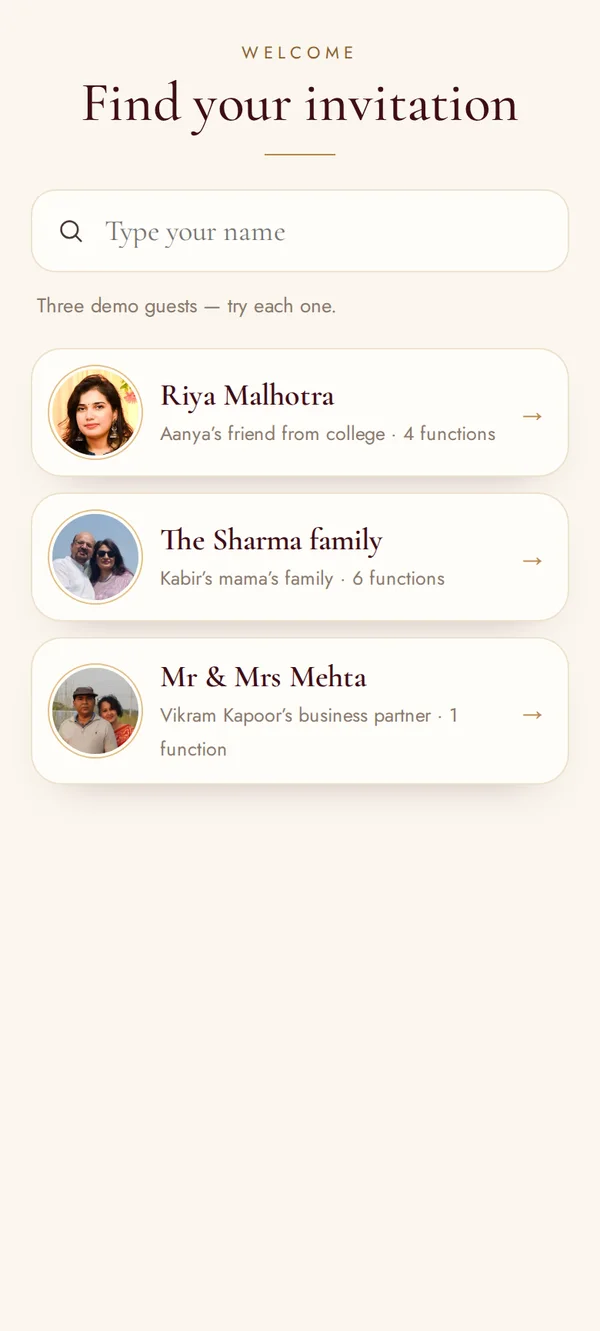
02 · Find your invitation
Each family finds their own invitation by name.03 · Home
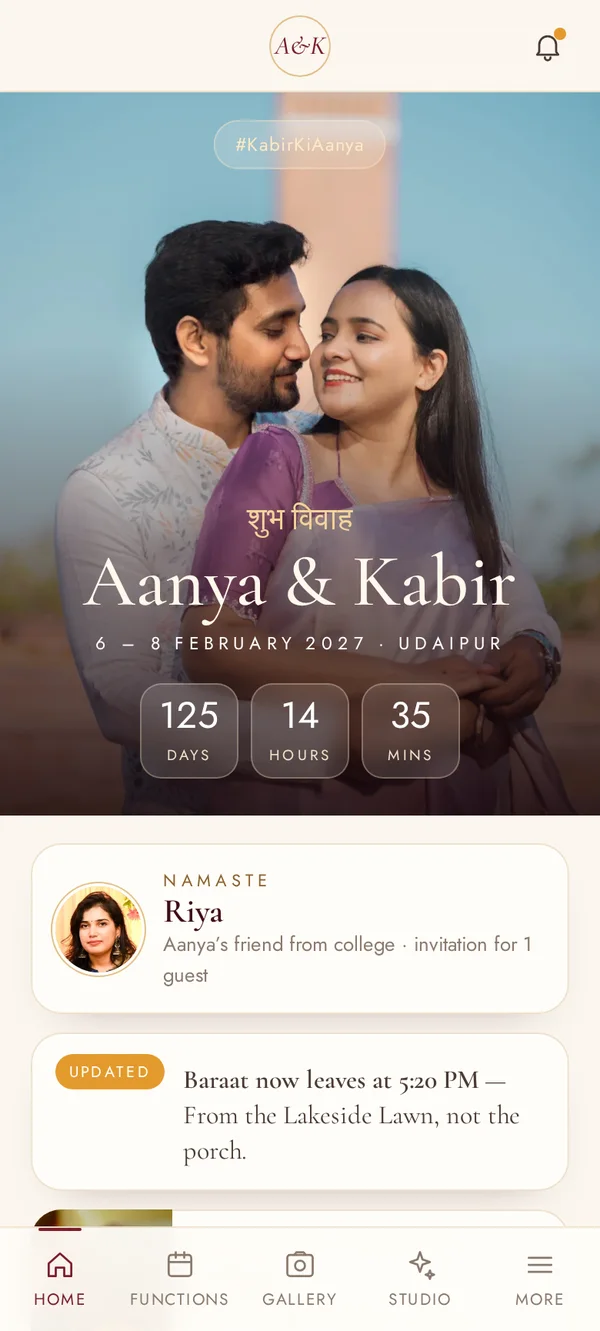
A personal welcome, the countdown and what’s changed.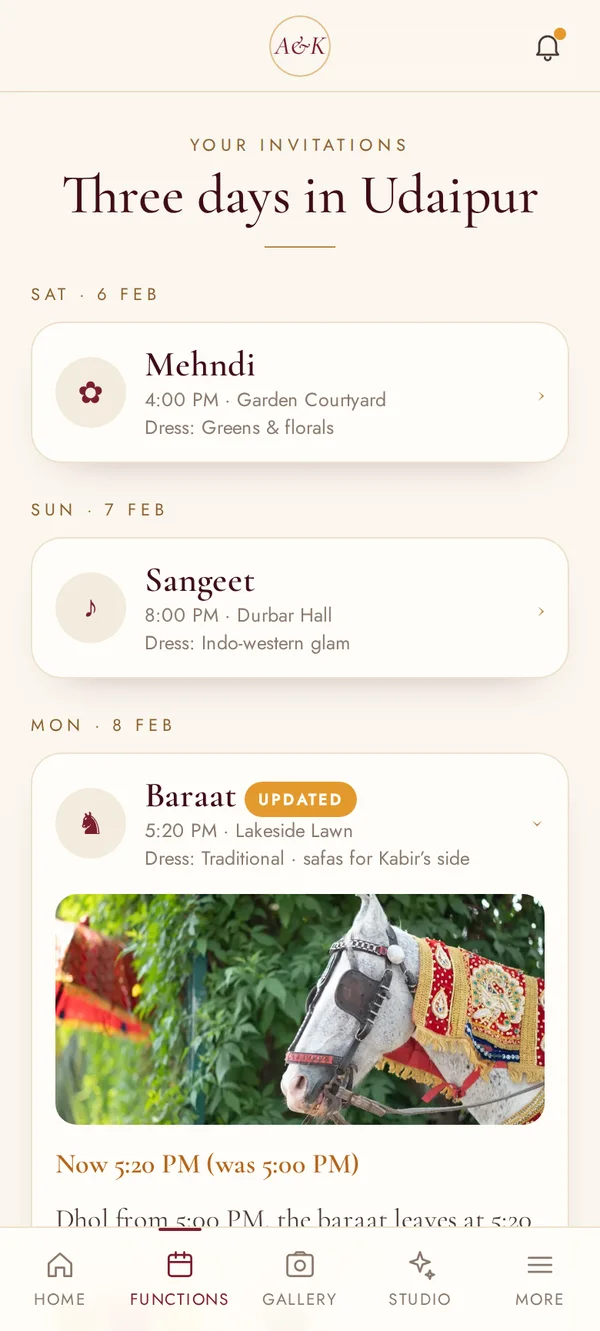
04 · Riya’s invitations
A college friend sees four functions.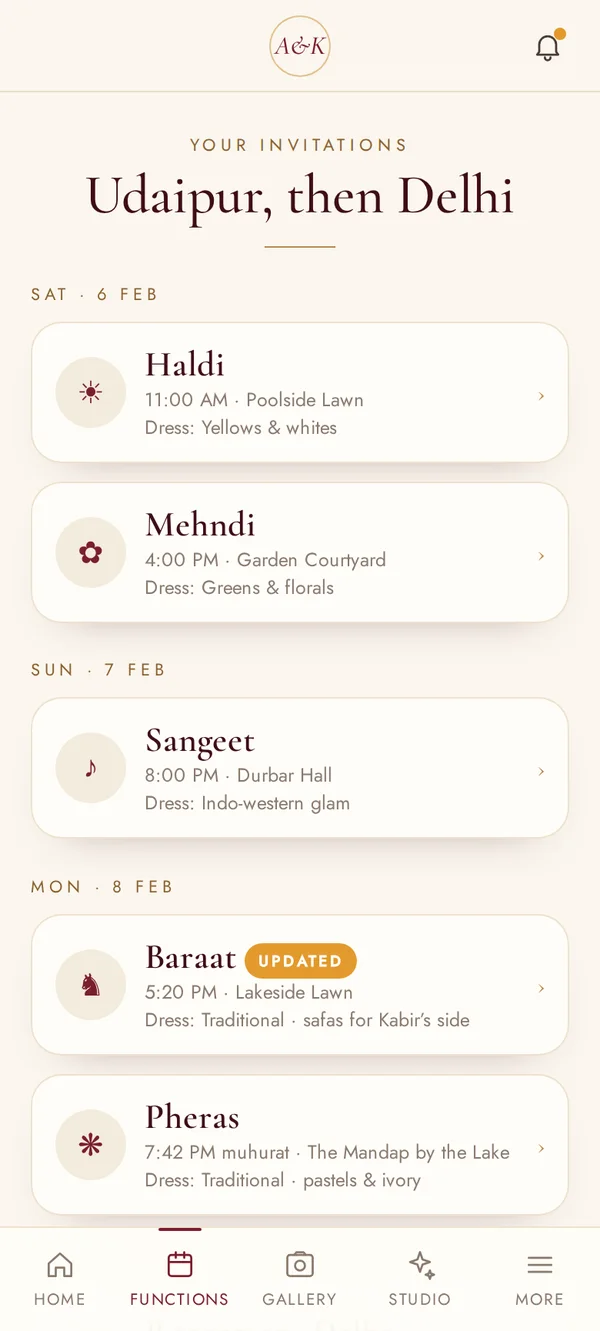
05 · The Sharmas’ invitations
Family sees all six — including the family-only haldi.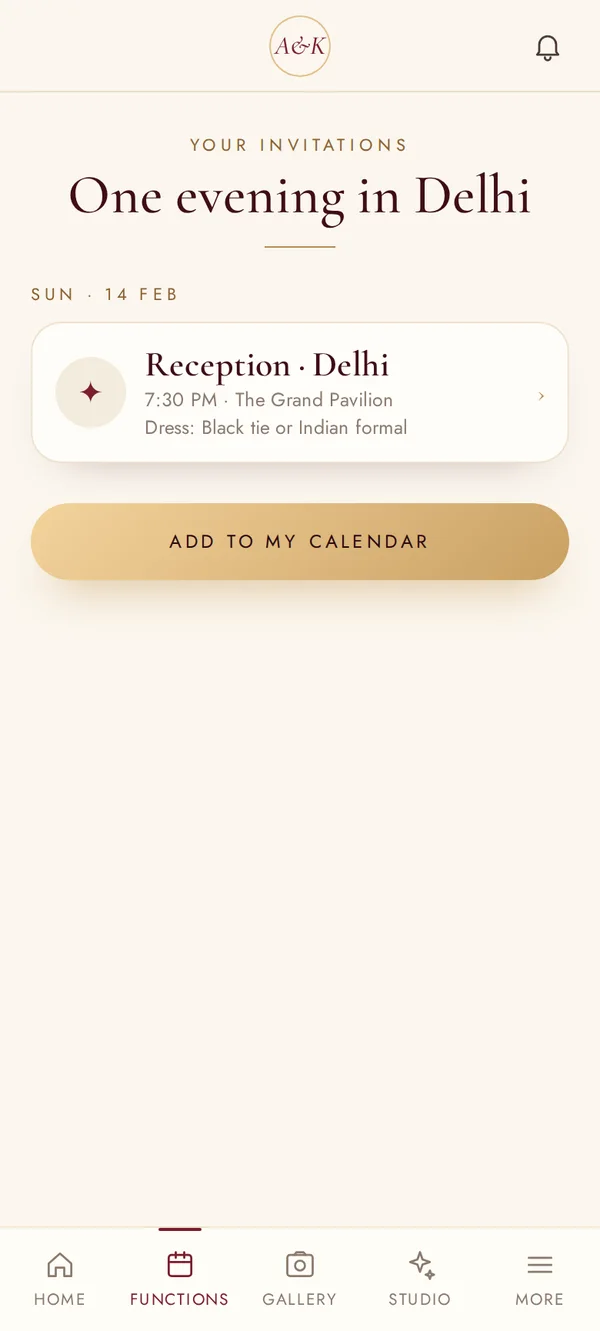
06 · The Mehtas’ invitation
A business associate sees only the Delhi reception.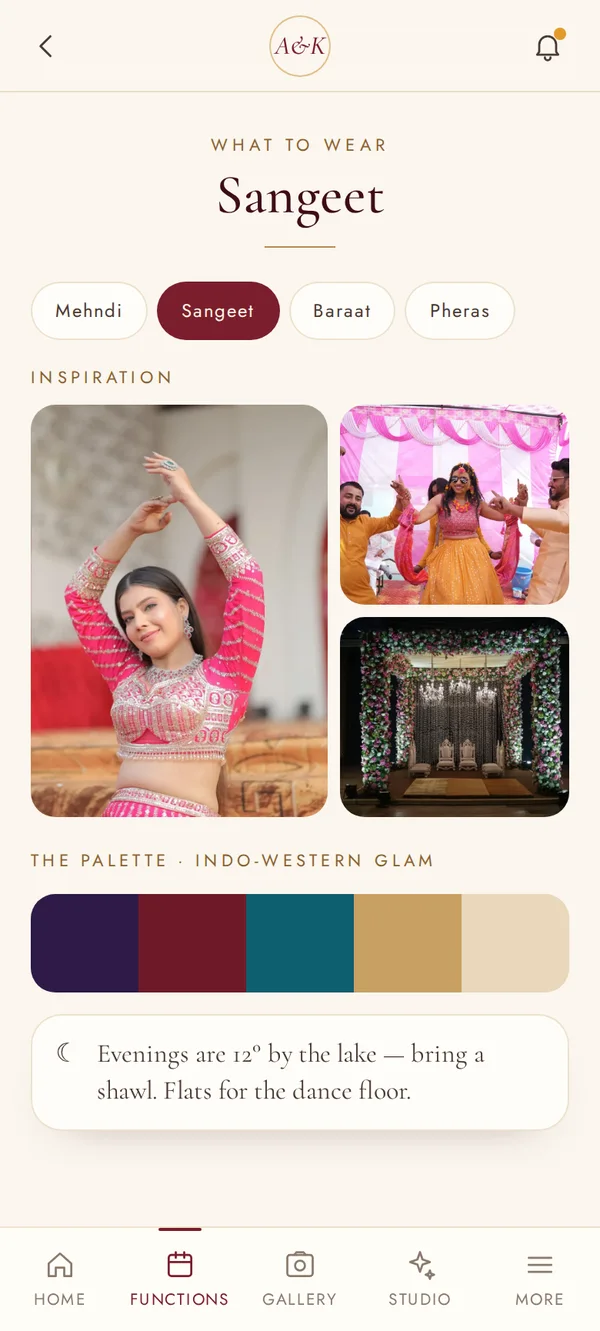
07 · What to wear
Inspiration, palettes and colours to avoid.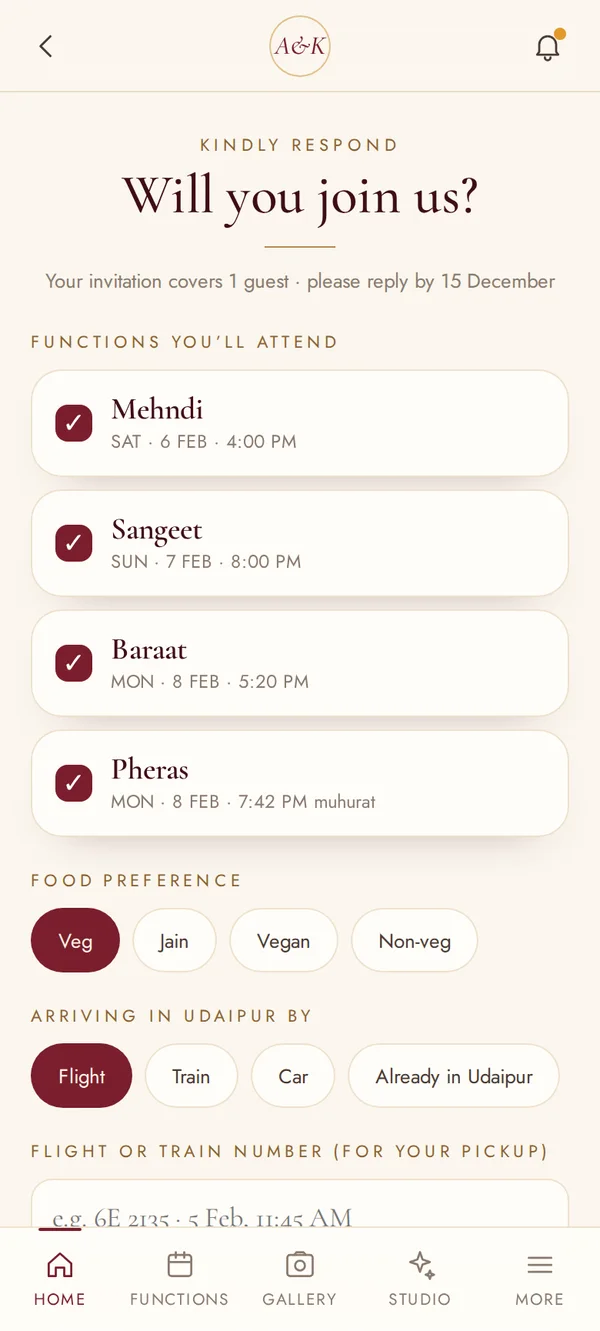
08 · RSVP
Per function, with food, arrival and any help needed.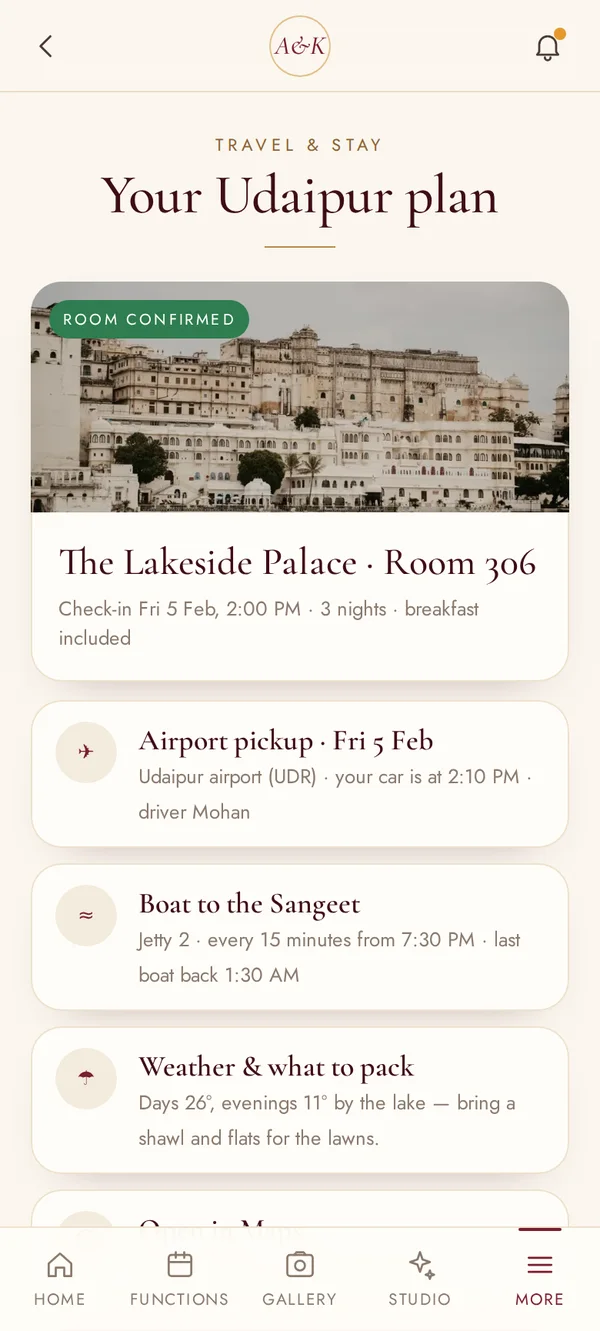
09 · Travel & stay
Room, pickup, boats, weather and packing.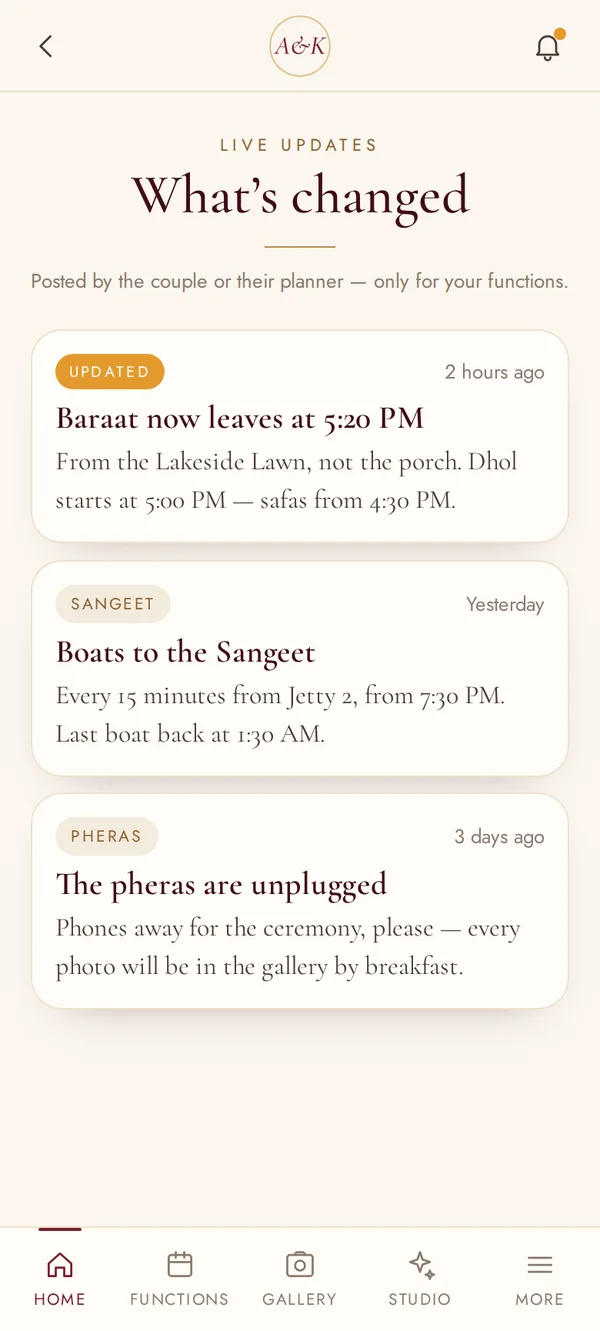
10 · Live updates
Baraat time changed? Everyone invited sees it.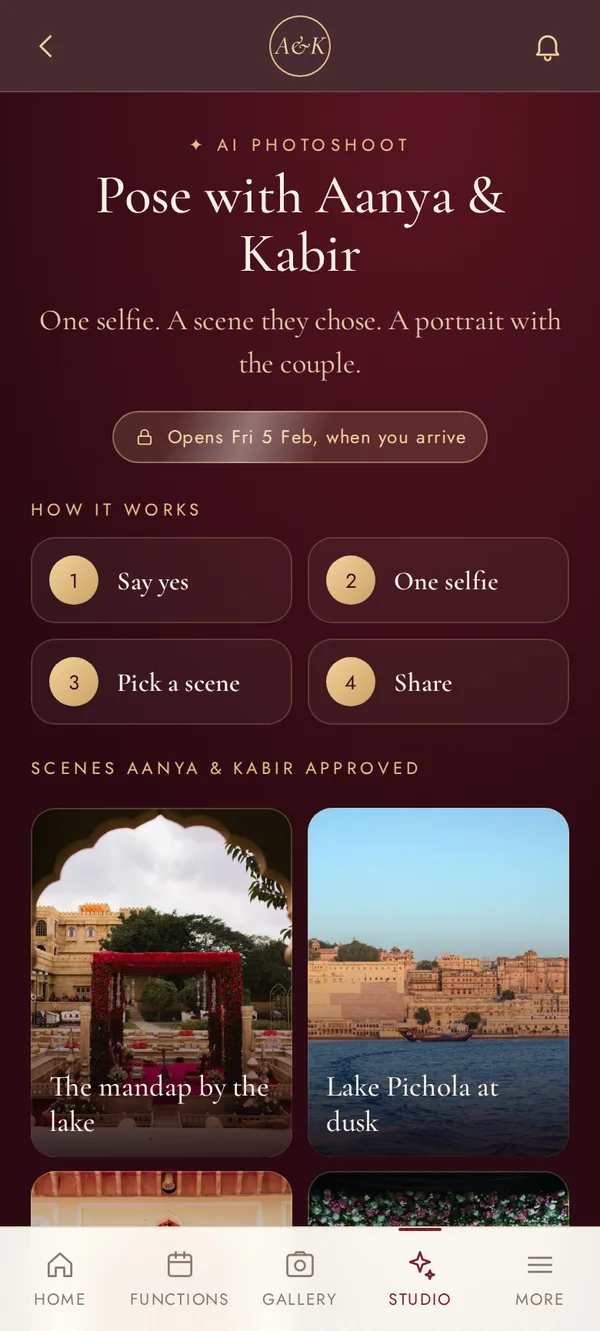
11 · AI Photoshoot
How it works — consent first, opens on arrival.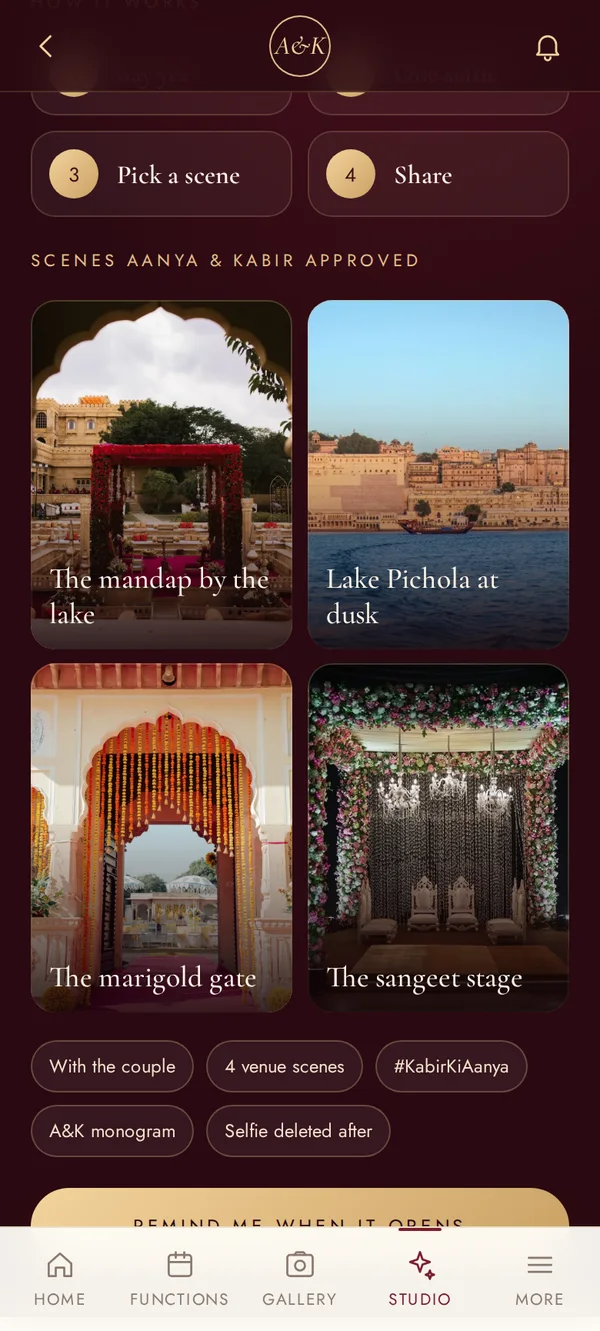
12 · Approved scenes
Only scenes the couple chose, from their venue.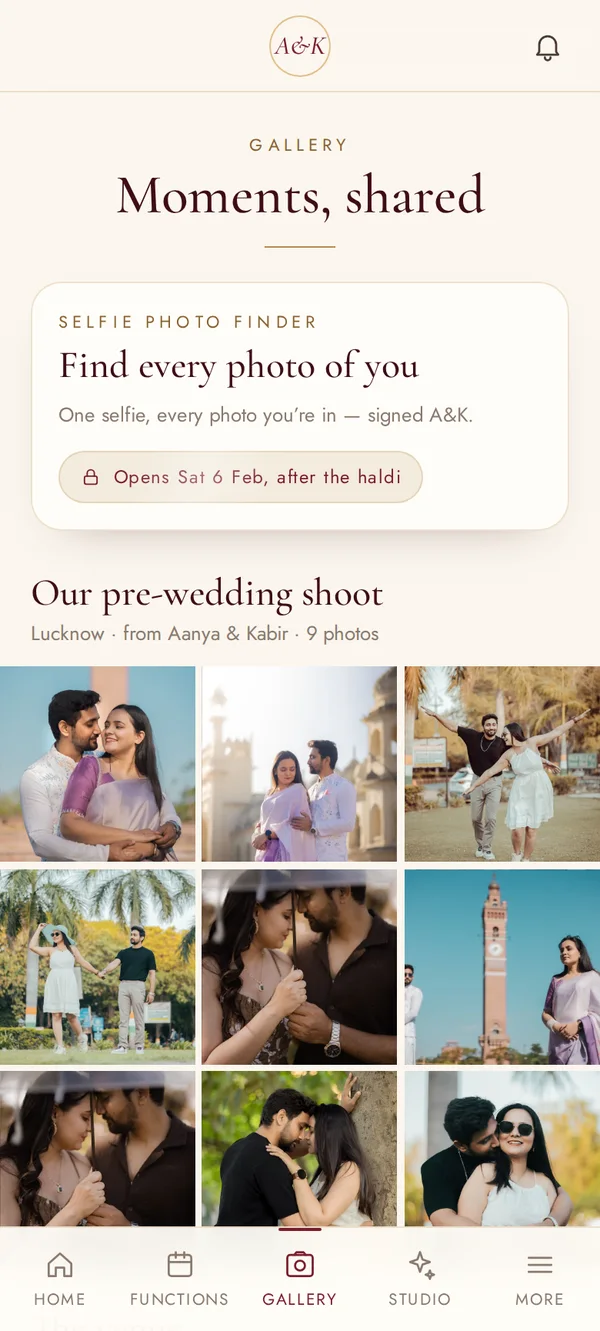
13 · Gallery
The couple’s album, and the Selfie Photo Finder from the haldi.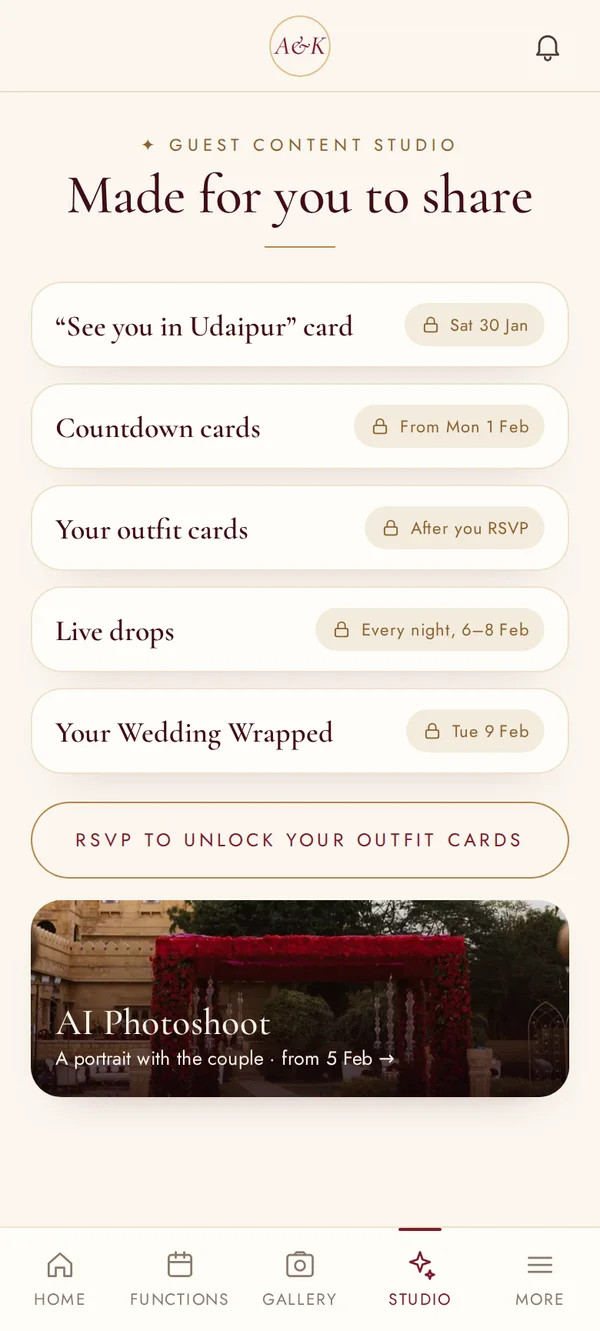
14 · Guest Content Studio
What each guest receives to share — and when.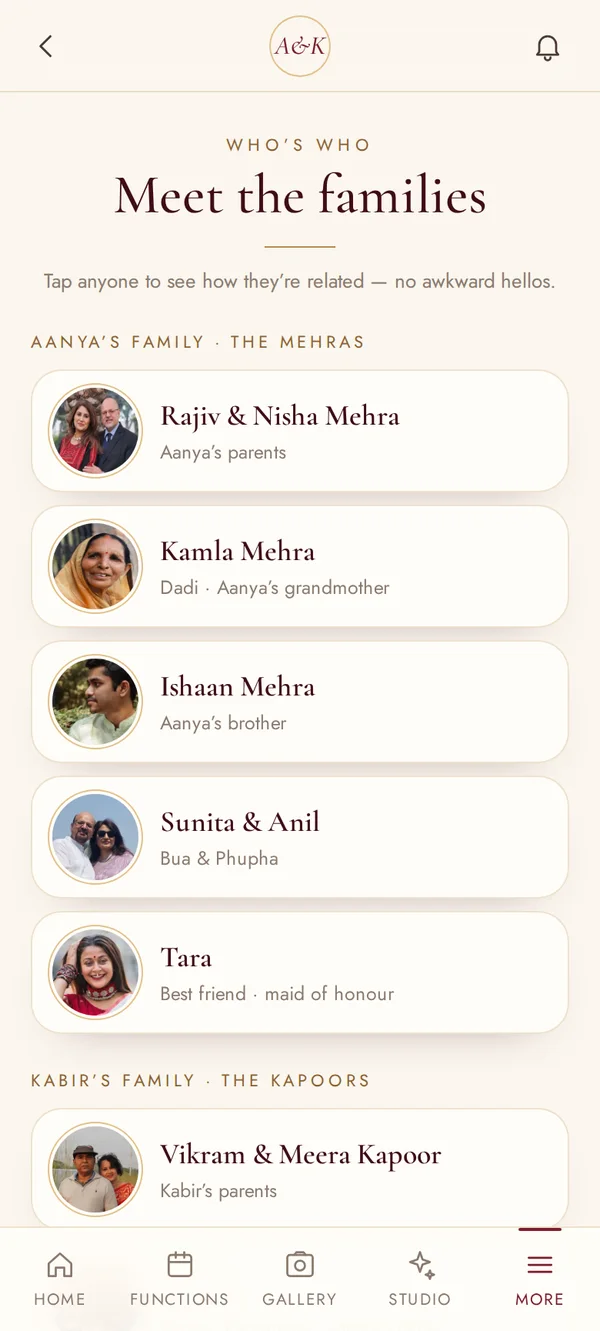
15 · Who’s who
Both families, names and relations.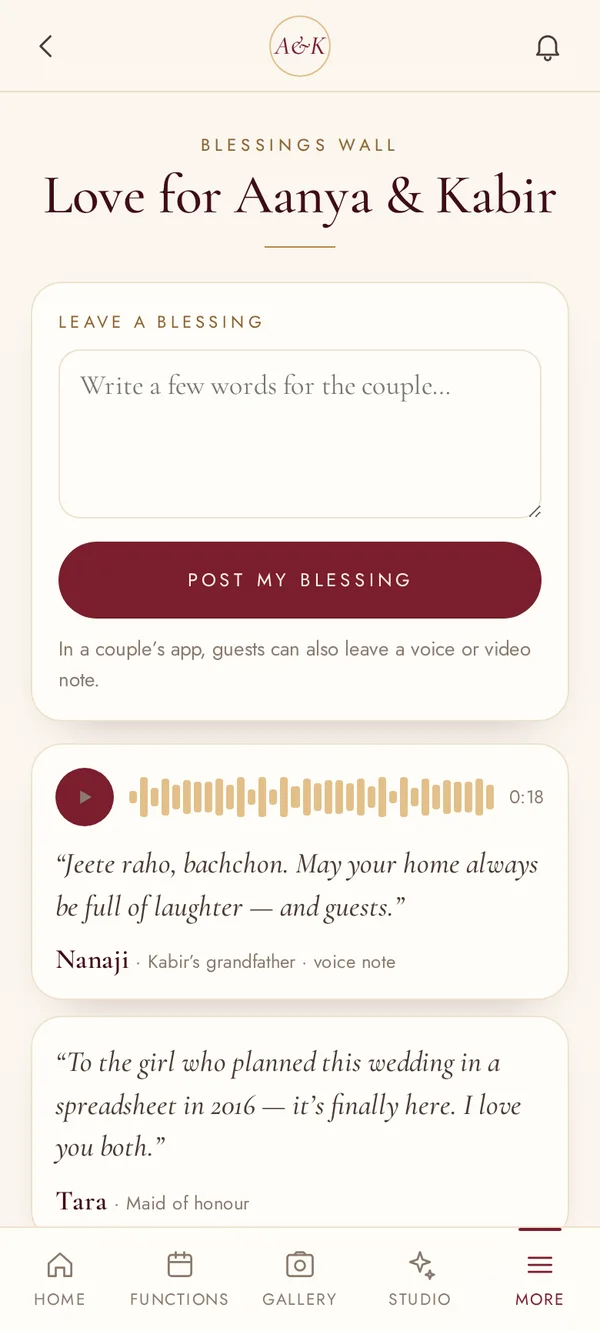
16 · Blessings wall
Written blessings and voice notes.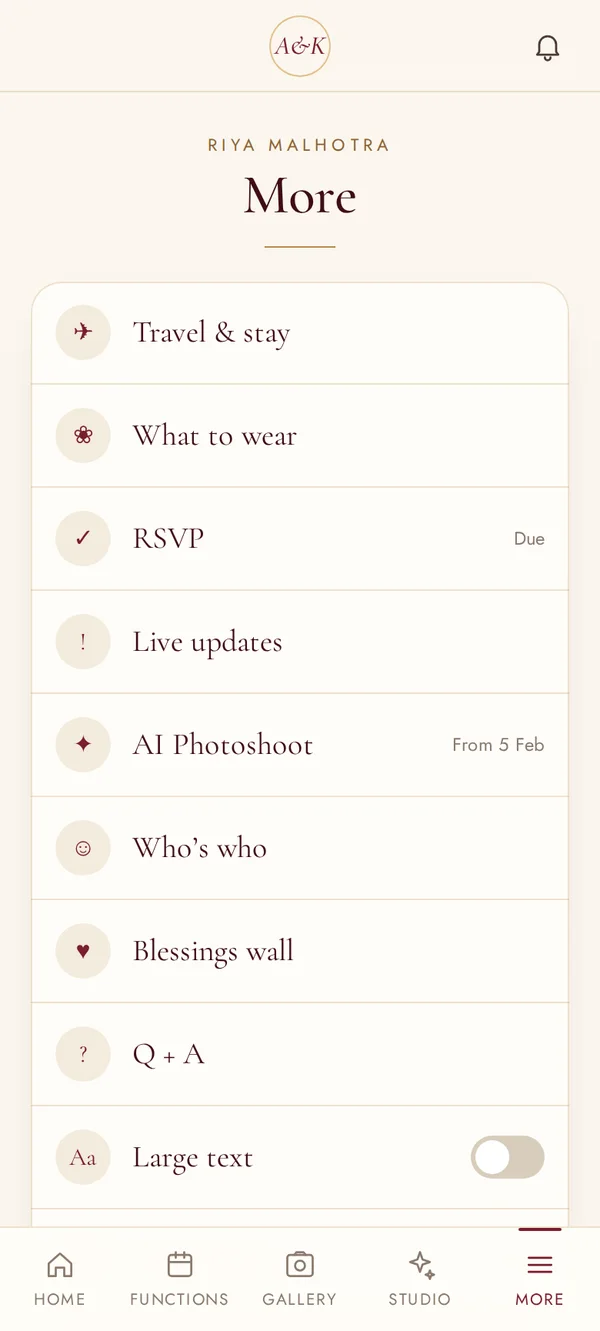
17 · More
Large text for elders, Q&A and everything else.



Want one like this?
Every LIT VOW India app is designed around your functions, your families and your venue — then handed over to you or your planner.
Booking the 2026–27 wedding season. We design a limited number of weddings each month, so dates are reserved in the order couples confirm.